
Your space to return to
Tucklane
Park your work. Pick up where you left off.
Keep your apps, files and browser tabs together. Save the context of a project, leave yourself a next step and return without rebuilding your setup from memory.
Free to start · One-time Pro upgrade
MAKE ROOM FOR THE WORK THAT MATTERS
Less setup. More getting back to work.
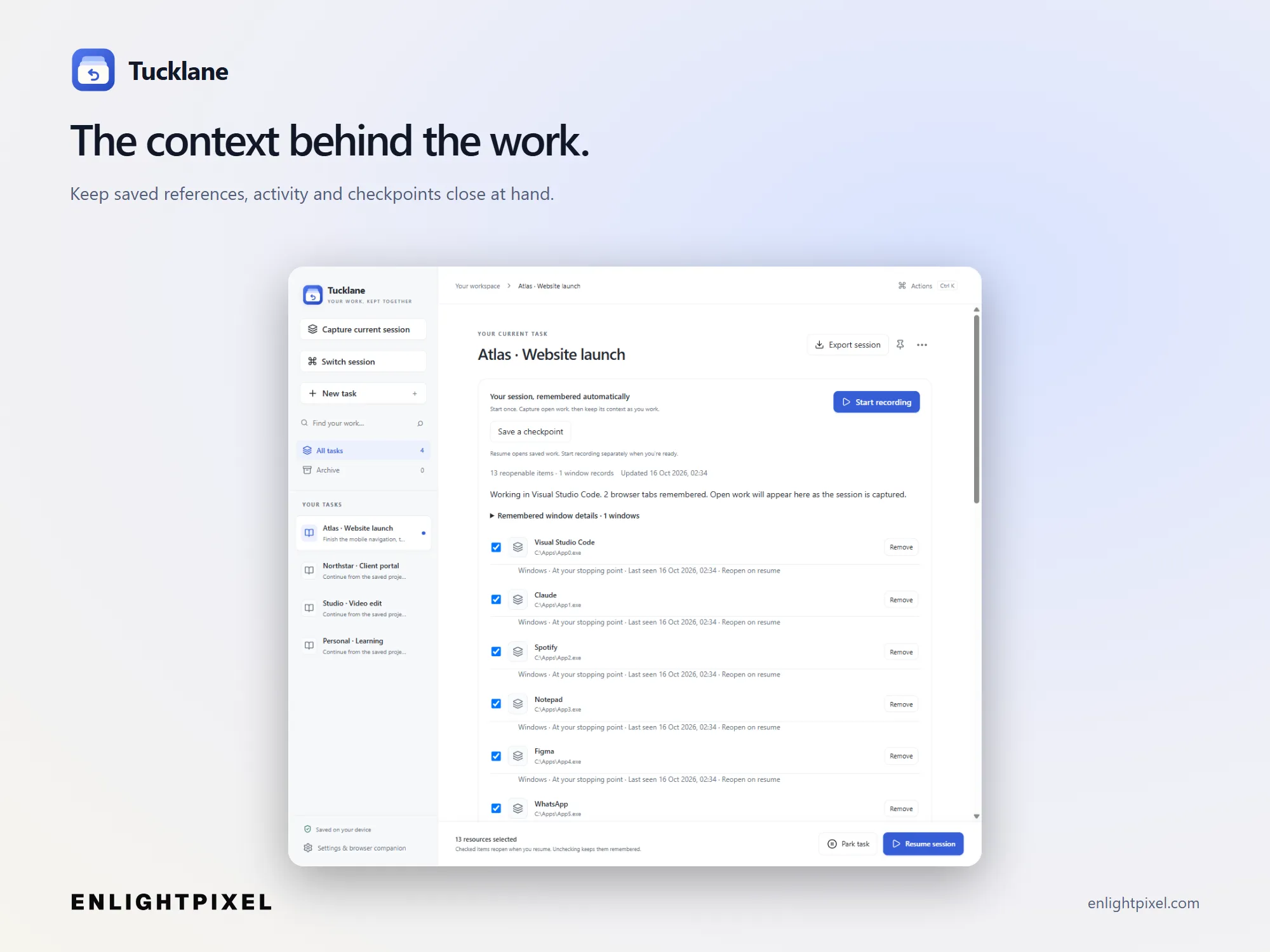
A project is more than an open app. It is the right tabs, the useful files and the thought you were about to follow. Tucklane keeps those references and your stopping point together.
BEFOREA project scattered across your day.
WITH A BETTER WORKFLOWA working set with a place to return.
Return with context.
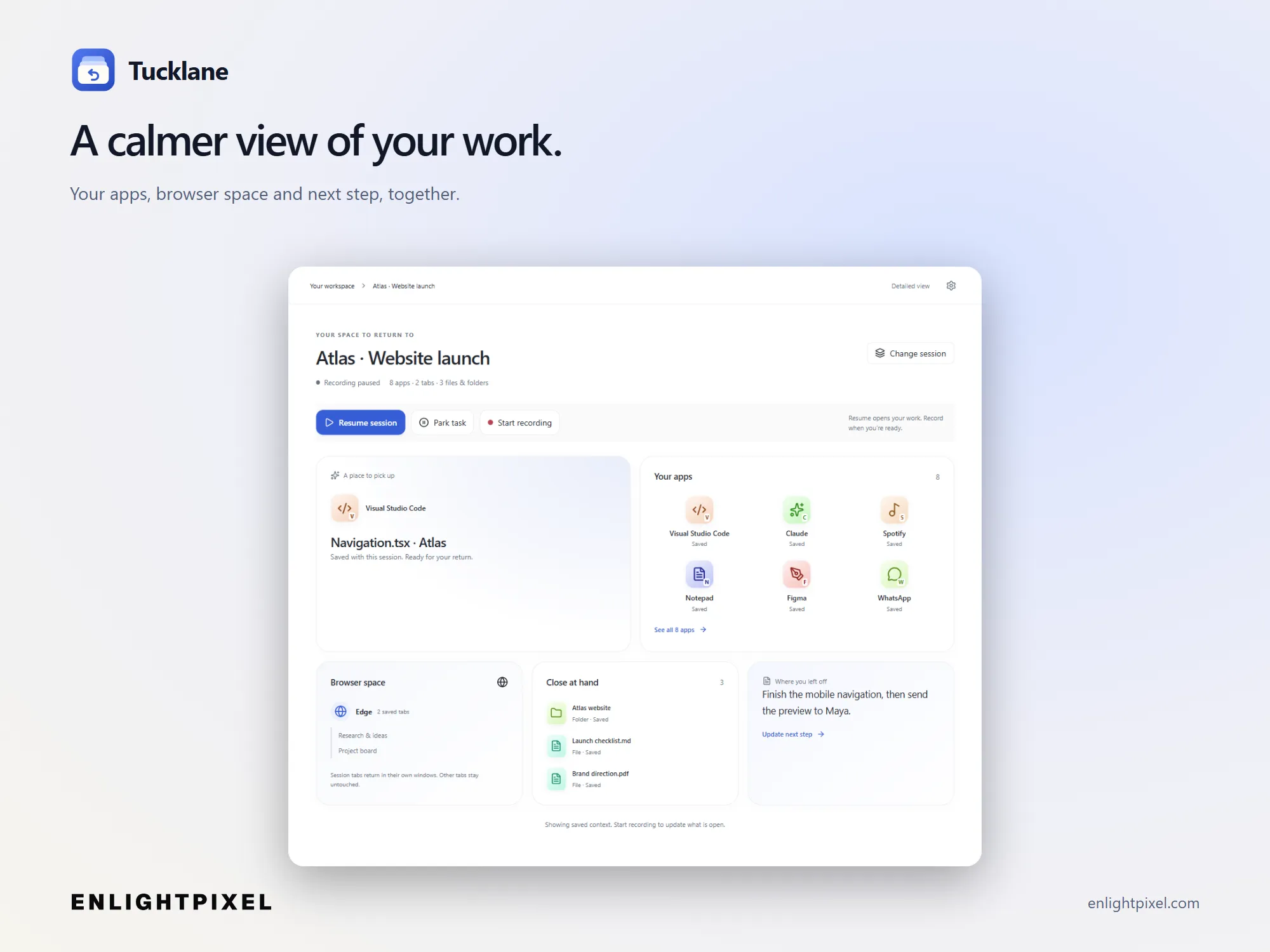
See the saved apps, references and next step before you start again.
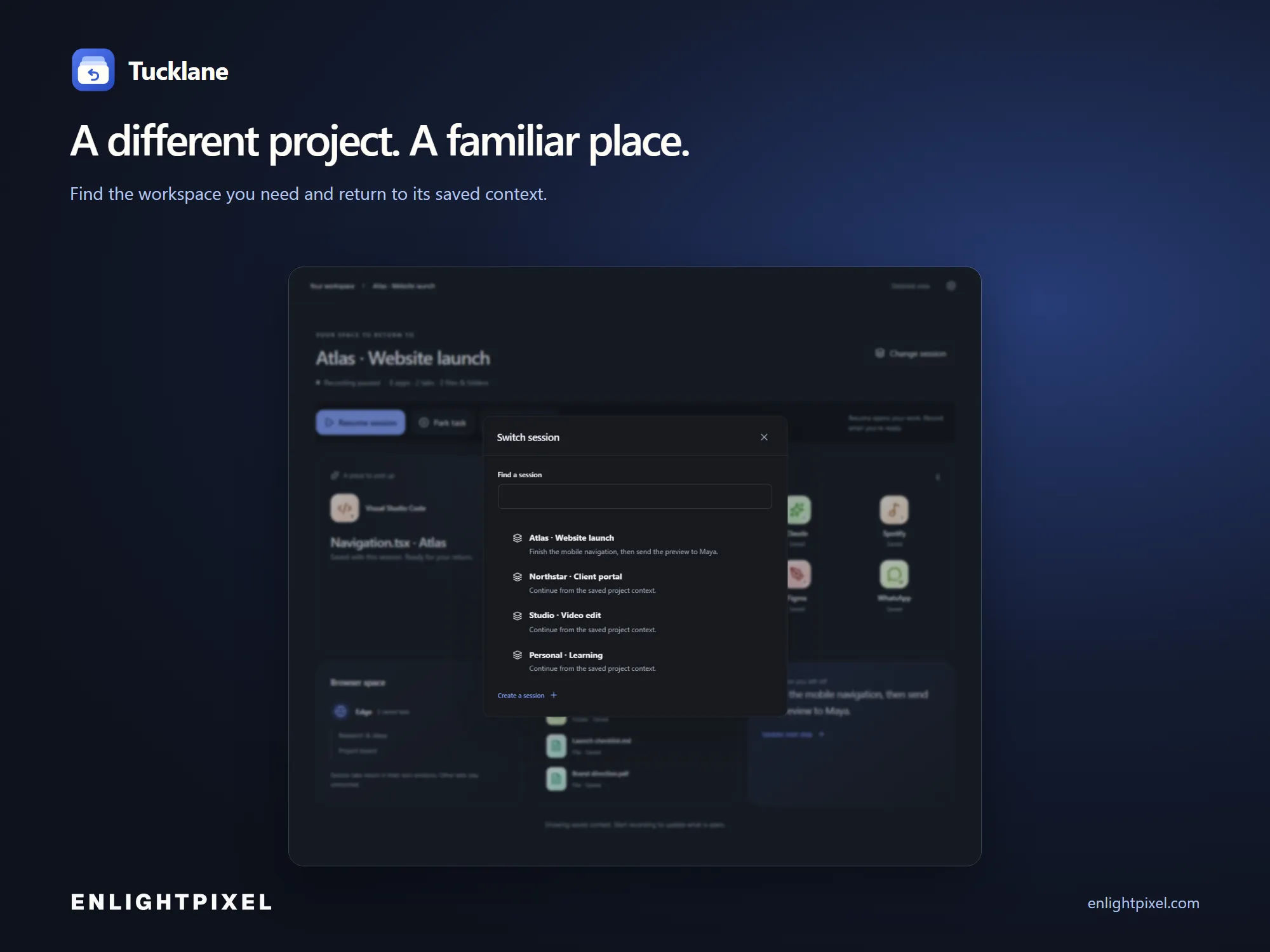
Give every project its place.
Keep different clients and projects in their own workspaces with Pro.
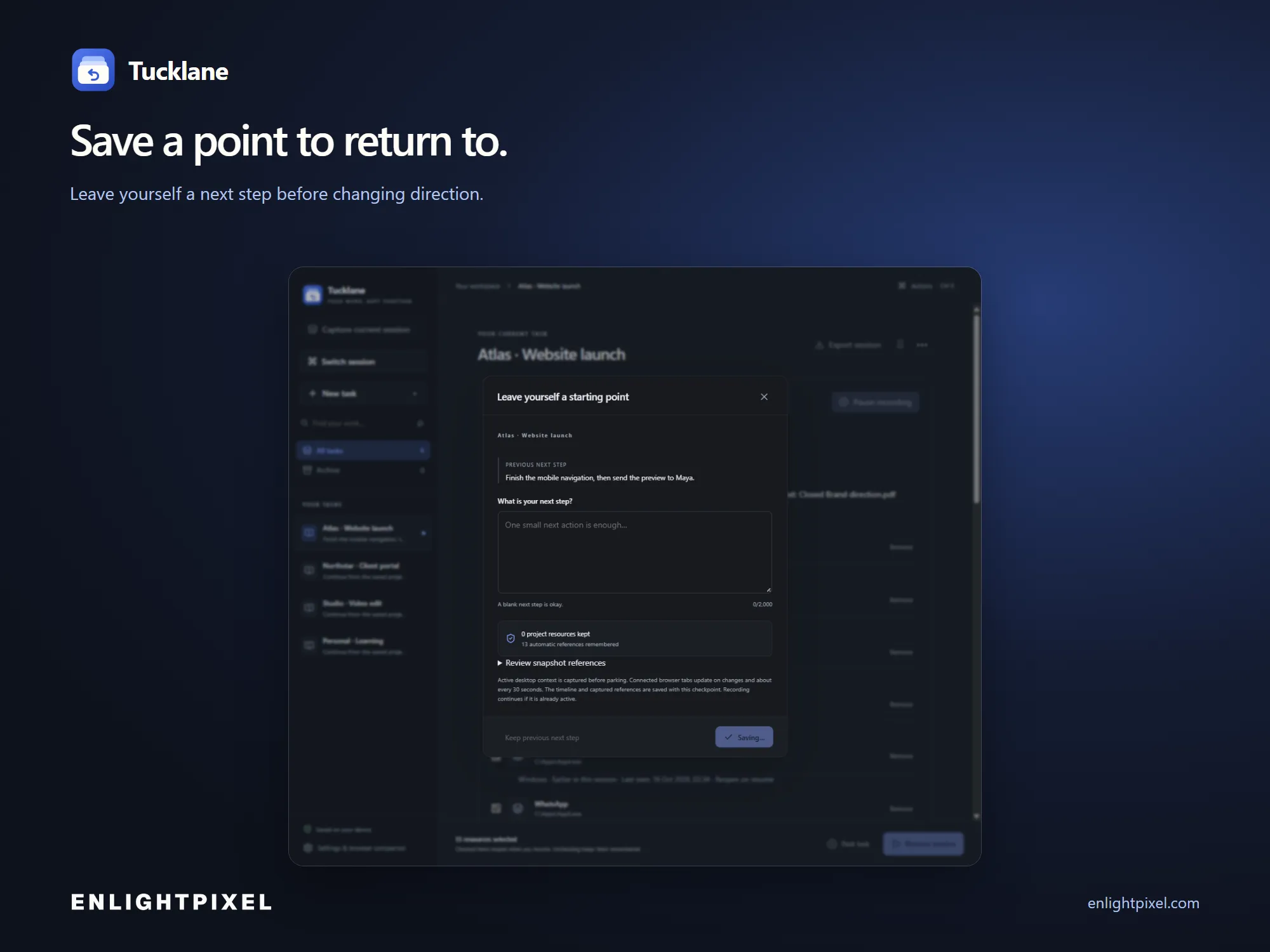
Leave a useful stopping point.
Save a checkpoint and a short note before changing direction.
Keep the interface calm.
Use the simple overview, then open the details when you need them.
What makes Tucklane different
Keep your apps, files and browser tabs together. Save the context of a project, leave yourself a next step and return without rebuilding your setup from memory.
Capture as you work.
Record supported apps, available file locations and connected browser tabs as your session develops.
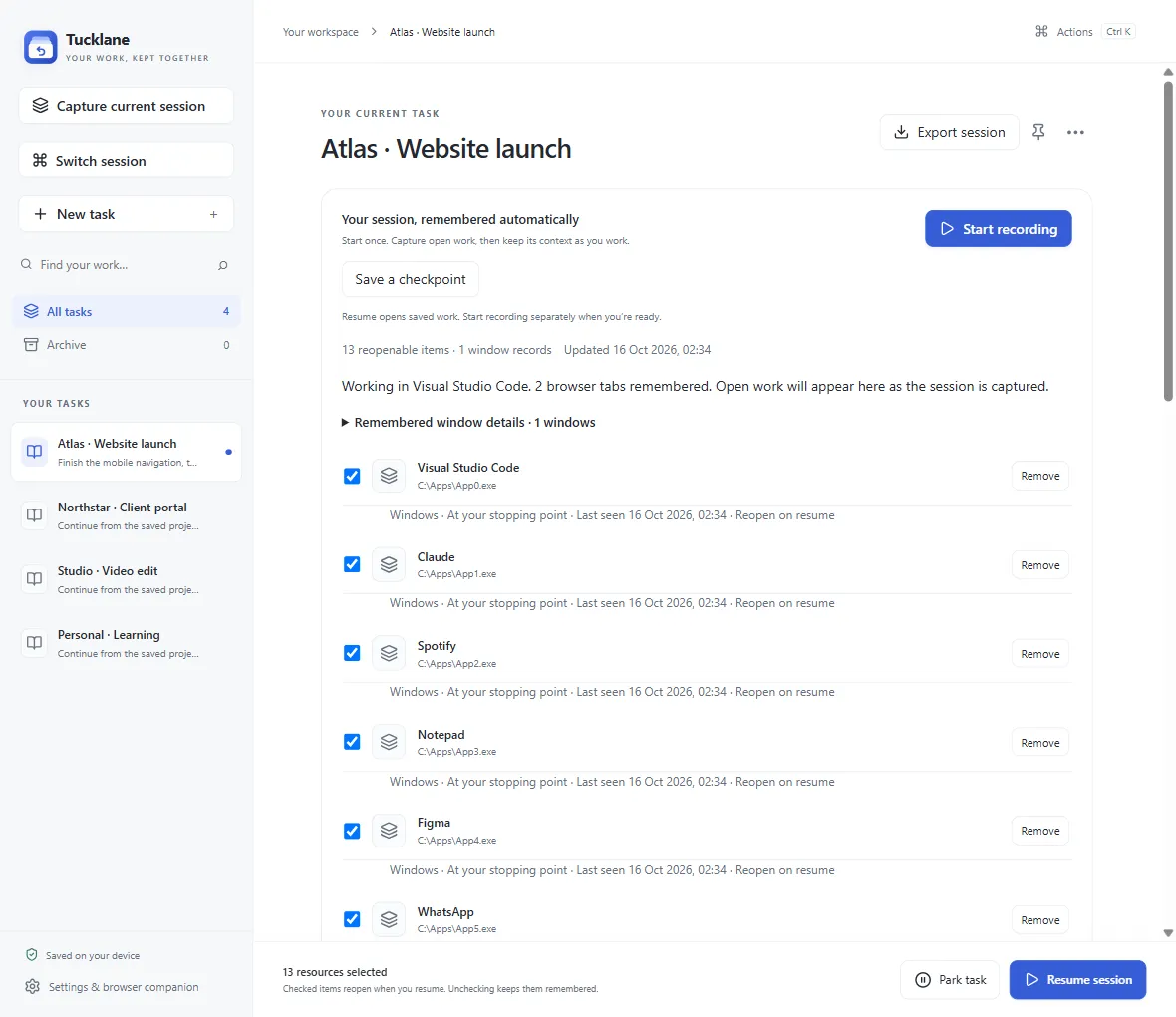
Park with care.
Save and verify your stopping point before reviewing supported windows for optional closing.
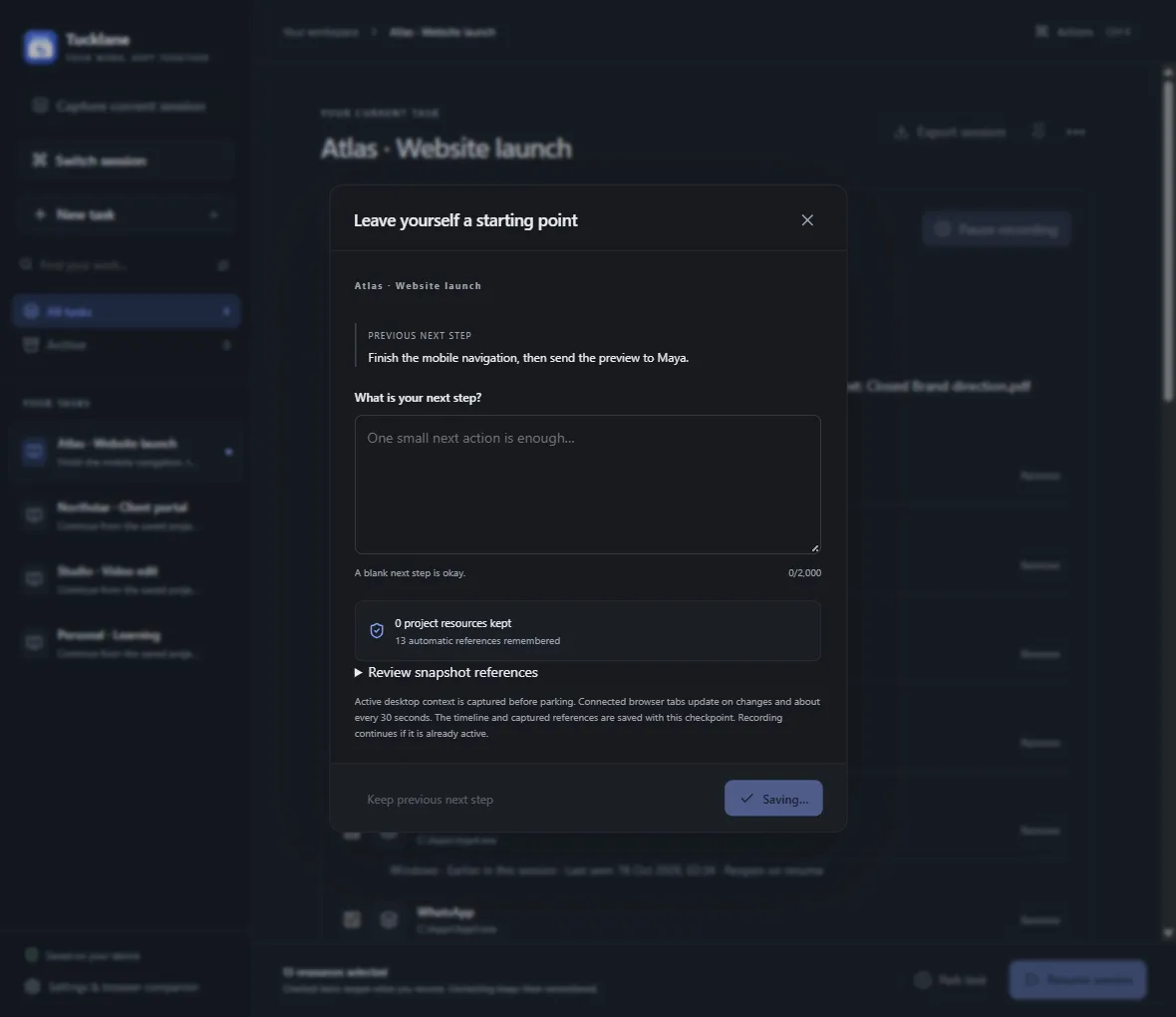
Resume the right references.
Reopen saved work while unrelated browser tabs stay in place.
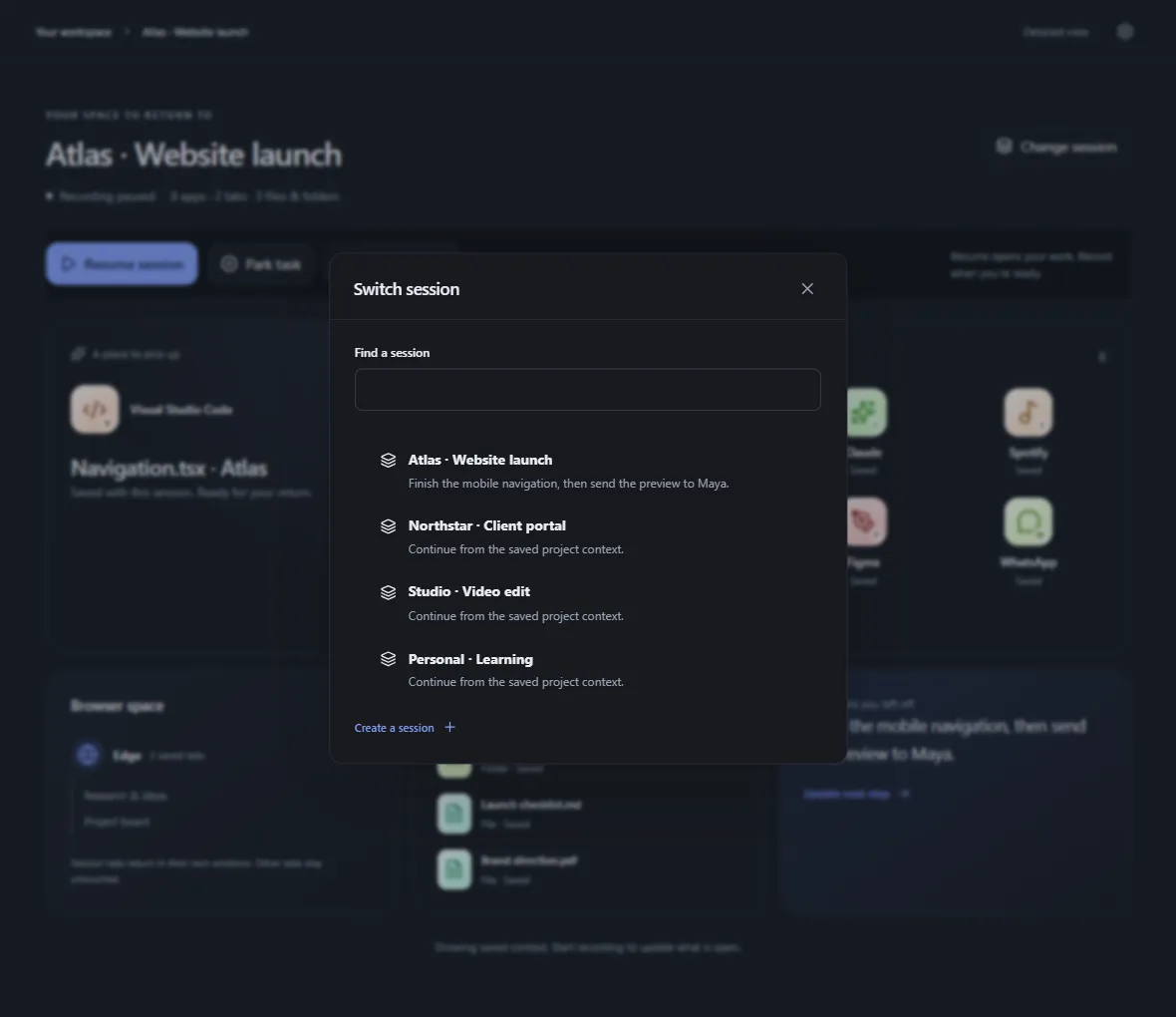
And there's more
Return to a checkpoint.
Restore a saved working set and its next-step note, without confusing context recovery with a backup of your files.
Choose your level of detail.
A calm overview and a detailed context timeline share the same saved work.
Keep your data close.
Local storage, portable exports and verified backups keep workspace context under your control.
How Tucklane works
A stopping point you can return to. Recording is always your choice.
Record your workspace.
Choose a project and let Tucklane collect supported work context while you use your normal tools.
Park the project.
Save the stopping point, note what comes next and review supported windows before optional closing.
Come back ready.
Resume selected work and start recording when you are ready to continue.
FREE TO START. ROOM TO GROW.
One project is a start.Keep your working world ready with Pro.
Move between multiple projects and browser profiles, retain more manual checkpoints, apply saved window layouts and bring up the session switcher from another app. Pro is a one-time purchase for people who return to several kinds of work throughout the day.
| What you can do | FreeA useful place to start | Pro$29.00 · One-time purchase |
|---|---|---|
| Saved workspaces | 1 | Multiple workspaces |
| Browser profiles | 1 chosen profile | Multiple profiles |
| Manual checkpoints | 3 retained | Up to 20 retained |
| Apply window layouts | View captured layout | Restore supported layouts |
| Session switcher | In-app switching | Global shortcut |
| Reviewed browser closing | Windows stay open | Available when safe |
Included in both plans. Automatic capture of supported apps, files and browser tabs; Park and basic Resume; Simplified and Detailed views; notes, recovery, exports and verified backups. No artificial app or tab-count limit.
Pro supports up to 500 workspaces. Total checkpoint history is bounded at 20 per workspace; manual allowances are retained counts, not daily quotas. Saved work and recovery remain accessible if your plan changes. Capture and export safety bounds apply to both plans.
Technical details
Platform
Windows 11 / macOS 14.0
Offline after activation
Memory
See release requirements
System requirement
Storage
See release requirements
System requirement
Privacy
Local workspace data
Captured metadata stays on your computer. Local libraries and exports are not encrypted. Activation verifies purchase access separately.
License
Free plan · one-time Pro upgrade
Pay once. Keep the purchased version. Updates within the same major version are included.
Updates
Published update terms
Updates within the purchased major version follow the website’s published terms.
What you get with Tucklane
A closer look at the capabilities and how they fit into your workflow.
| Capability | How it helps |
|---|---|
| Continuity, not just another list. | Automatic capture gathers available context while you record. Manually adding a reference is a supplement, not the whole workflow. |
| A deliberate stop. A calmer return. | Park verifies a saved stopping point before optional closing. Resume leaves recording paused, so you choose when capture starts again. |
| Useful before you upgrade. | One workspace, a chosen browser profile and three retained manual checkpoints make Free a working plan. Recovery and exports remain accessible. |
| Your context stays close. | Keep workspace metadata locally and carry it through exports. Review sensitive titles, paths and URLs before sharing an unencrypted library. |
Common questions about Tucklane
What does Tucklane save?
Will it restore unsaved work?
Does Resume start recording?
What happens to browser tabs that are already open?
Do I need a browser extension?
Which browsers and work tools can I use?
What is the difference between a checkpoint and a backup?
Does Park force-close my apps?
Does it upload my work?
Does Pro need a subscription or constant internet connection?
Can I move a workspace to another computer?
Pay once. Keep the purchased version. Updates within the same major version are included. 14-day refund policy.
Make your next return easier.
Start with one useful workspace. Add Pro when your work spans more projects, profiles and stopping points.